














Sep
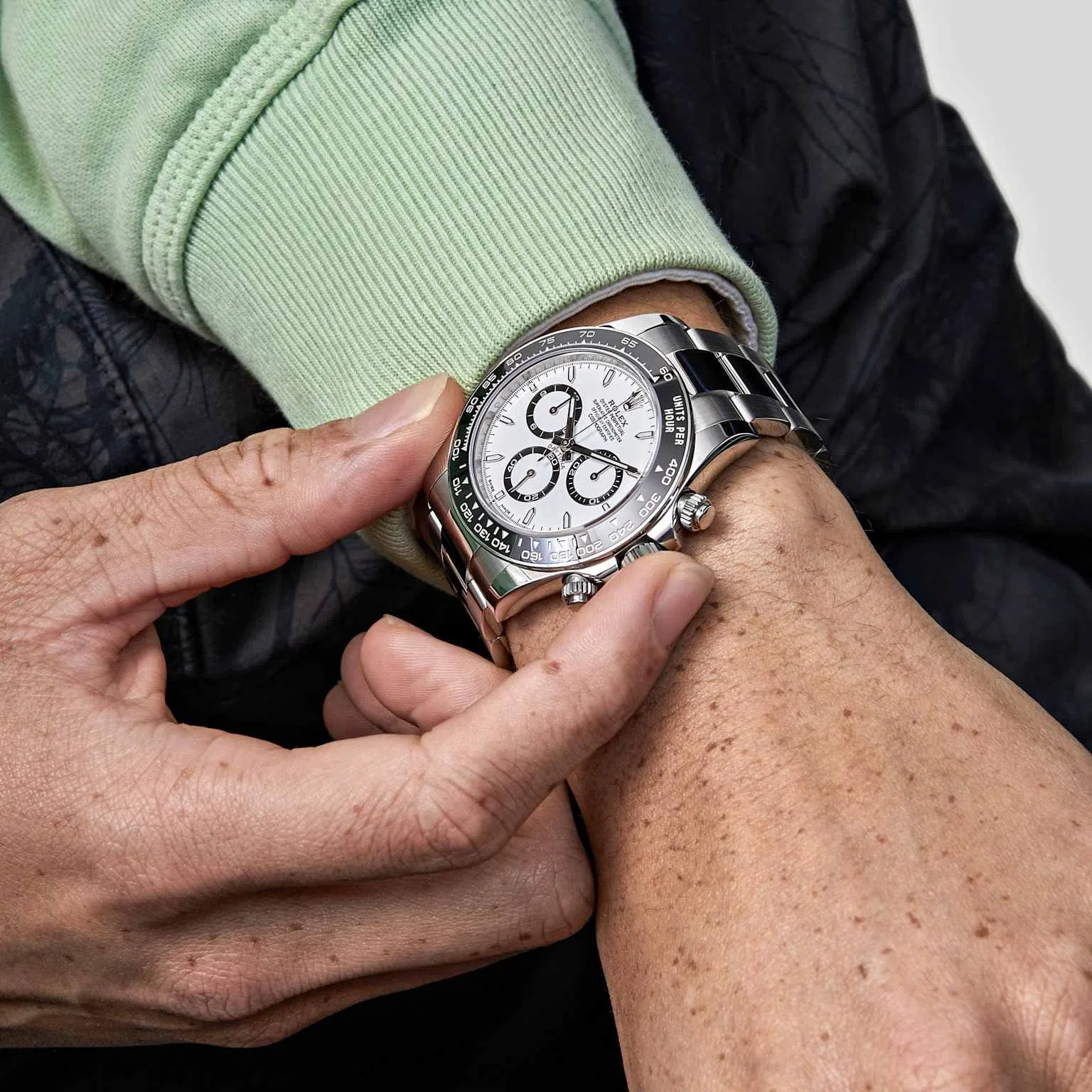
Whether you own a Datejust, Submariner, or Daytona, setting the time correctly protects the movement and preserves water resistance. Rolex crowns are threaded and sealed — forcing any adjustment or leaving the crown unscrewed after setting can void water resistance and damage the movement. This guide covers the complete process for both date and non-date models.
Looking to buy or sell a Rolex? Browse our authenticated Datejust and Submariner inventory.
Rolex Crown Positions — Quick Reference
| Crown Position | Function | Water Resistance |
|---|---|---|
| 0 (screwed down) | Locked and sealed | Full protection |
| 1 (unscrewed, not pulled) | Manual winding | Limited protection |
| 2 (first pull) | Date adjustment only | No protection |
| 3 (full extension) | Time setting — seconds hand stops | No protection |
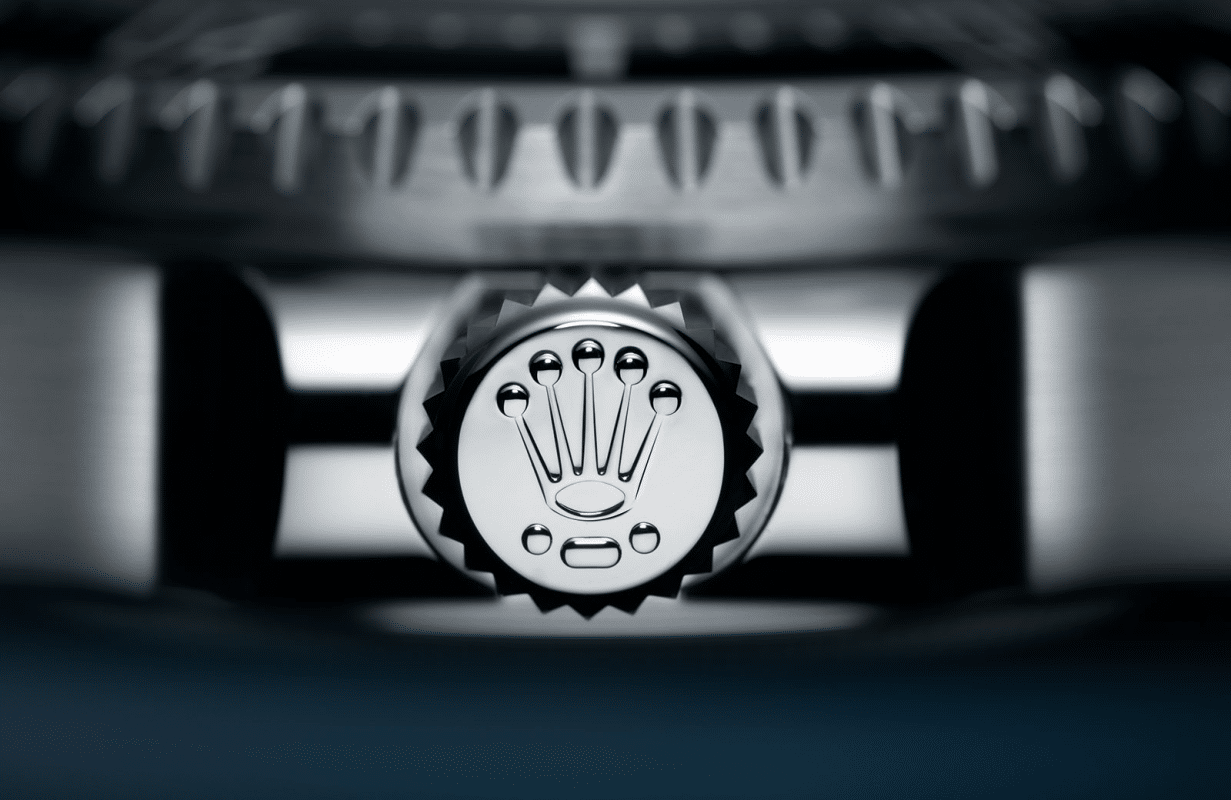
Always return to position 0 immediately after any adjustment. Per the official Rolex waterproofness guide, Twinlock crowns protect to 100m; Triplock crowns (three dots) protect to 300m or more — but only when fully screwed down. As Watch Guys’ Rolex crown explainer details, sport models like the Submariner and Sea-Dweller use Triplock; dress models use Twinlock.
Before You Start
- Wind the watch first — turn the crown clockwise ~30–40 times until you feel gentle resistance
- Clean hands — remove oils or dirt that could affect the crown seal
- Unscrew the crown counterclockwise gently until it releases — never force it
Setting Time on a Date Model (Datejust, Submariner, GMT, etc.)
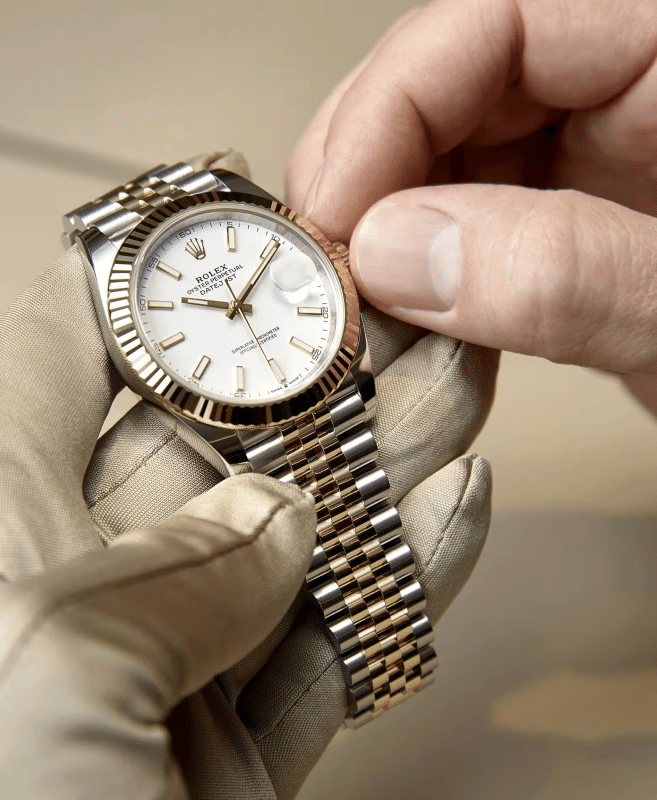
- Unscrew the crown counterclockwise until it pops out slightly (position 1).
- Pull to position 2 (first click) — date-setting mode. Turn clockwise to advance the date. ⚠ Never adjust the date between 9 PM and 1 AM — the date-change gears are engaged during this window, and forcing them can break the mechanism.
- Pro tip: Set the date to the previous day before moving to time-setting, so the date changes correctly at midnight.
- Pull to position 3 (full extension) — time-setting mode. The seconds hand stops. Turn the crown in either direction to set hours and minutes.
- Synchronize: At a time signal, push the crown in to release the seconds hand and start the movement.
- Screw the crown down clockwise until finger-tight. Do not over-tighten — the crown sits flush against the case when properly sealed.
The date danger zone (9 PM–1 AM) is documented across multiple independent sources including Esteemed Gentleman’s date-change guide and the WatchUSeek community thread on forbidden interval damage. Repairs to date mechanisms start at several hundred dollars and require authorized service.
Setting Time on a Non-Date Model (Air-King, Oyster Perpetual, Daytona, etc.)
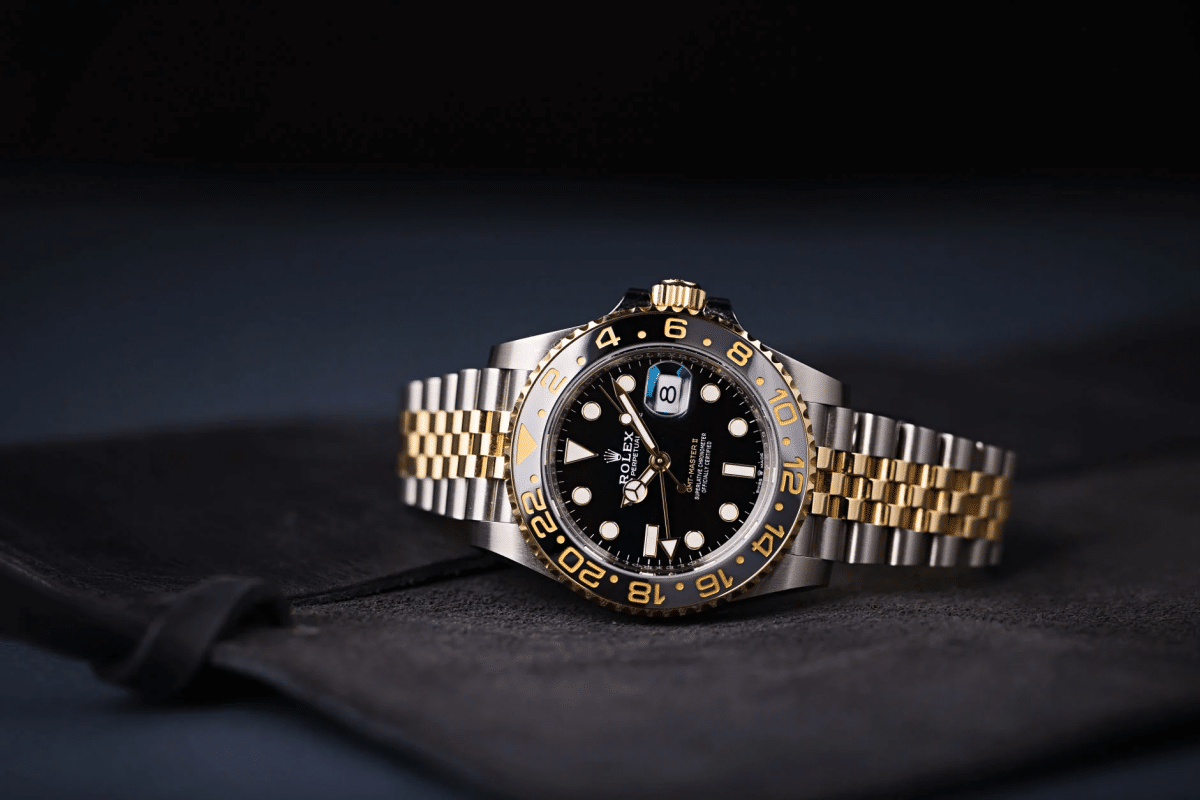
- Unscrew the crown counterclockwise until it releases.
- Pull directly to the time-setting position — seconds hand stops.
- Rotate the crown to set the correct time.
- Push the crown in and screw down clockwise until flush.
Common Mistakes to Avoid
- Adjusting the date between 9 PM and 1 AM — can break the date-change gears
- Over-tightening the crown — strips threads or damages gaskets
- Forcing crown rotation when resistance occurs — can break internal components
- Leaving the crown unscrewed — eliminates water resistance entirely
- Setting time without winding first — can result in inaccurate adjustment if power reserve is low
Ready to sell your Rolex? We buy all models — get a competitive same-day offer.
FAQ
Yes. The date-change mechanism engages between approximately 9 PM and 1 AM. Adjusting the date during this window can break the date-change gears — a repair that starts at several hundred dollars at an authorized service center. Always advance the hands past 1 AM before adjusting the date, or set the date from the previous day when the watch shows daytime hours.
Yes — wind the crown clockwise ~30–40 times before setting, especially if the watch has been unworn for several days. A fully wound movement ensures the timekeeping is accurate immediately after setting. Modern Rolex movements wind automatically through wrist movement (Perpetual rotor), but manual winding is needed when starting from a stopped state.
Twinlock crowns have two sealing zones (two dots) and are used on dress and sport models rated to 100m. Triplock crowns have three sealing zones (three dots) and are used on professional dive models — Submariner, Sea-Dweller, Deepsea — rated to 300m, 3,900m, and 12,800m respectively. Both provide full water resistance only when the crown is fully screwed down to position 0.
Rolex Superlative Chronometer movements are certified to ±2 seconds/day accuracy. In normal use, adjustments are needed only when the watch has stopped (left unworn beyond its ~48-hour power reserve), after a complete service, or if timekeeping accuracy drifts beyond the spec. Frequent manual resets are not necessary or recommended.
The GMT-Master II (ref. 126710) has an independent GMT hand set via the crown at position 2 — in the same crown pull used for date adjustment, rotating the crown moves the GMT hand in one-hour increments. The local time is set separately at position 3. On the older GMT-Master I, the GMT hand moves together with the hour hand and cannot be set independently.
 Free Shipping for all orders